I hear this one a lot.
“Why would I pay for EchoeBack when Gmail has ‘Schedule Send’ built in for free?”
Fair question. And honestly? If all you want is to send a reminder to buy milk next Thursday, Gmail is perfect. Close this tab. You’re good.
But if you’re here because something deeper pulled you — a graduation, a birthday coming up in five years, a message you want your kids to find someday — then let’s talk about what actually happens when you try to do that with Gmail.
Because the question isn’t really “can Gmail do it?” The question is: should it?
The Scheduled Email Illusion
Gmail’s Schedule Send was built for productivity. You write an email at midnight, schedule it for 9AM so you don’t look unhinged. That’s it. That’s the feature.
It was never designed to preserve memories. It was designed to manage other people’s inboxes. And that difference matters more than you’d think.
Here’s what happens when you try to use it as a time capsule:
You schedule an email to yourself for January 1, 2030.
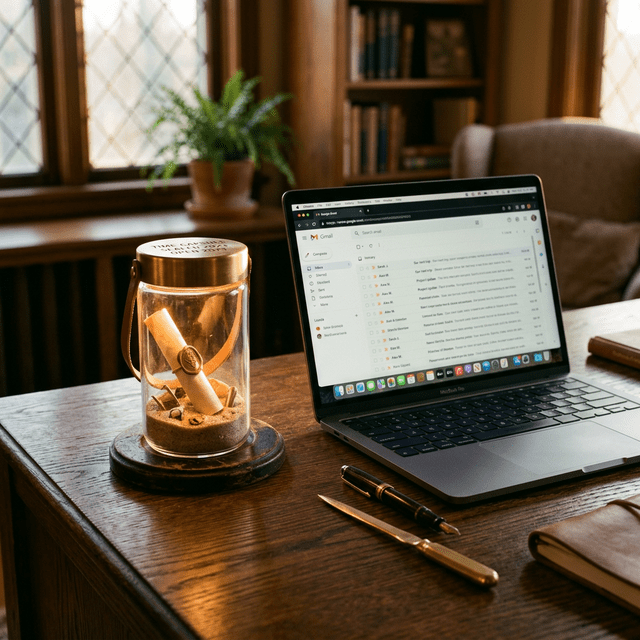
- It sits in your Sent folder. Visible. Spoilable. No anticipation.
- You accidentally read it while searching for an old receipt in 2027.
- Google updates their UI and you mass-delete old drafts. Gone.
- You switch to Outlook or ProtonMail. The scheduled email? It didn’t follow you.
- There’s no ceremony. No moment. Just an email that shows up between a Target coupon and a password reset notification.
That’s not a time capsule. That’s a reminder with a long fuse.
And here’s the thing most people don’t consider: Gmail’s scheduled emails count against your 15GB storage limit. If you’re attaching photos or files to preserve for the future, you’re eating into space you probably need for everything else. Your “time capsule” is competing with work documents and spam.
What Actually Makes a Time Capsule
A real time capsule — physical or digital — works because of three things. Gmail has none of them.
1. It’s Sealed

You can’t peek. Once it’s locked, it’s locked. The whole point is that future-you experiences it fresh — not current-you re-reading it in your outbox six months later because you got curious.
EchoeBack time-locks your capsule. It’s stored securely on dedicated servers, and you don’t get to open it early. That constraint isn’t a limitation — it’s the entire point. The best part of a time capsule is the surprise of rediscovery.
Gmail? Your scheduled email is right there in the Sent folder. Always visible. Always tempting. One bored afternoon and the magic is gone.
2. It’s More Than Text
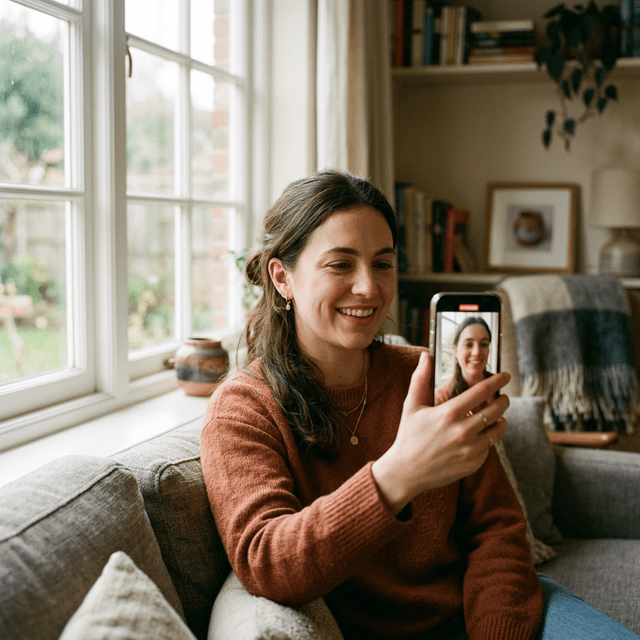
Write yourself a letter. Record a 10-minute video in 1080p. Hear your own voice. See your own face. Watch yourself talk about the things that mattered to you right now — the stuff you swore you’d never forget but definitely will.
Think about it: your voice changes. Your face changes. The way you laugh, the phrases you overuse, the background of your apartment before you moved — all of that gets captured in a video capsule. A text email can’t do that. It never could.
Gmail sends plain text and attachments. EchoeBack delivers a video capsule with a branded intro, your message, and a ceremonial outro. It feels like opening something important — because it is.
3. It Arrives Like a Gift
When your EchoeBack capsule unlocks, you get a delivery email that feels intentional. It’s designed. It has weight. It says: “Someone cared enough to create this for you — even if that someone was you.”
When your Gmail scheduled email arrives, it shows up in your inbox looking exactly like every other email. Sandwiched between a newsletter you forgot to unsubscribe from and a shipping update for socks. No differentiation. No ceremony. Just another unread notification competing for your attention.
The delivery experience matters. Imagine getting a wedding anniversary gift handed to you in a crumpled grocery bag versus a beautiful box with a handwritten note. The gift inside might be the same — but the experience isn’t. And the experience is what makes you feel something.
What About Google Calendar Reminders?
Some people try a different workaround: setting a Google Calendar event years in the future with a long note attached. Same problems — you can see it anytime, it doesn’t support video, and a calendar notification on a random Tuesday morning doesn’t exactly scream “sacred moment.”
Calendar reminders are for dentist appointments and standup meetings. Time capsules are for the messages that actually matter.
Side-by-Side: What You’re Actually Comparing
| Gmail Schedule Send | EchoeBack | |
|---|---|---|
| Video messages | ❌ No | ✅ Up to 10 min, 1080p |
| Text letters | ✅ Yes | ✅ Yes |
| Time-locked (can’t peek) | ❌ Visible in Sent | ✅ Sealed until delivery |
| Survives switching providers | ❌ No | ✅ Independent platform |
| Branded delivery | ❌ Looks like any email | ✅ Ceremonial, designed |
| Send to others in the future | ⚠️ Awkward | ✅ Built for it |
| Storage | Counts against 15GB quota | ✅ Dedicated secure storage |
| Schedule years ahead | ⚠️ Unreliable | ✅ Designed for it |
| Mobile video recording | ❌ | ✅ Record directly from phone |
| Intro/outro branding | ❌ | ✅ Professional capsule presentation |
Who This Is Actually For
Look — if you need to send a delayed email to your boss, Gmail is the right tool. Nobody’s arguing that.
But EchoeBack exists for a different kind of person:
- The parent who records a video for their kid to open on their 18th birthday
- The couple who seals a message on their wedding day, scheduled for their 10th anniversary
- The grad who writes to future-them before the “real world” starts
- The person going through something hard who wants to talk to a version of themselves that made it through
- Anyone who’s ever thought: “I wish I could hear what I sounded like five years ago”
These aren’t emails. They’re moments. And moments deserve better than Gmail’s Sent folder.
The Real Question
This was never about features. It’s about what you’re actually trying to do.
If you’re scheduling a Tuesday check-in with your team — use Gmail. Seriously.
If you’re recording a message to yourself on the day your kid is born, to be delivered on their 18th birthday — that’s not an email. That’s a capsule. And it deserves a platform built for exactly that.
Some moments deserve more than a screenshot. And they definitely deserve more than a scheduled email buried in your inbox.
Try It
Your first letter capsule is free. No credit card. No commitment. No catch.
Record a 2-minute video to yourself, one year from today. Talk about where you are right now — what you’re worried about, what you’re excited about, what you had for breakfast. When it arrives next March, you’ll understand why this isn’t Gmail with extra steps.
Future-you is going to love hearing from right-now-you.
EchoeBack is a digital time capsule platform for video and text messages. Send a message to your future self — or to someone you love. Learn more.